

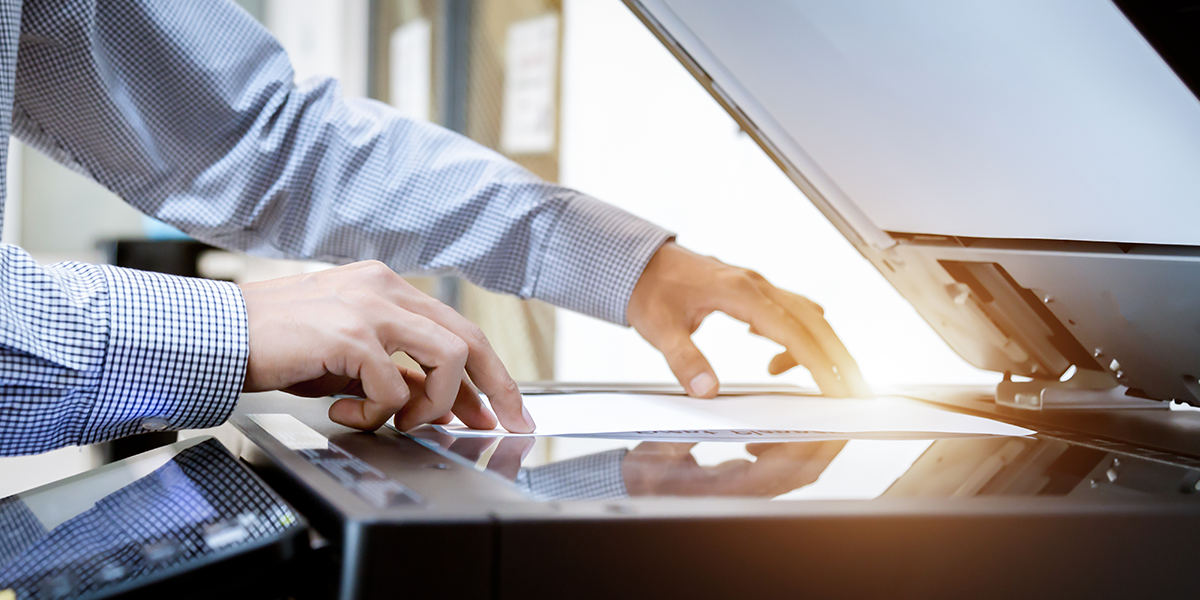
Businesses that regularly work with technical drawings, architectural plans, spreadsheets, and oversized paperwork often require scanning equipment that can accommodate more than standard letter-sized documents. Digitizing these materials helps organizations maintain accessible records, share information across departments, and reduce dependence on physical archives. Selecting the right equipment involves evaluating document dimensions, image quality, scanning performance, and compatibility with existing software. Understanding these considerations can help professionals build a document management process that supports their operational requirements.
Why 11×17 Document Scanners Are Useful for Digitizing Large Drawings, Plans, and Business Documents
An 11×17 document scanner can be particularly valuable for organizations that regularly handle tabloid-sized materials. Architectural drawings, engineering plans, financial spreadsheets, and detailed business documents may contain information that is difficult to preserve when reduced to standard paper dimensions. Scanning equipment designed to accommodate larger formats helps capture these materials in their original proportions.
Image resolution is another important consideration. Technical drawings and detailed diagrams often contain fine lines, measurements, and small annotations that need to remain legible in their digital versions. Evaluating resolution settings, color capture, and available file formats can help determine whether a scanner is appropriate for professional applications.
Businesses should also consider how frequently they need to digitize oversized materials. Scanning volume, document handling requirements, and the ability to integrate digital files into existing storage systems can all influence equipment selection. A solution that accommodates regular scanning demands can make document retrieval and collaboration more manageable.
How Dedicated Scanners and TWAIN Compatibility Support More Efficient Document Management
Purpose-built scanning equipment can provide capabilities that general multifunction devices may not offer. Exploring dedicated scanners allows organizations to evaluate equipment designed specifically for document capture and digitization. Depending on the model, features may include automatic document feeding, double-sided scanning, compact designs, and software tools that help organize digital files.
Software integration is equally important when selecting professional scanning equipment. Many organizations rely on established applications for storing, processing, and managing business information. A TWAIN scanner can support integration with compatible software through the TWAIN scanning interface, allowing applications to communicate with supported scanning devices. This can help reduce unnecessary steps when capturing documents directly within established business workflows.
Before purchasing equipment, businesses should verify supported operating systems, available drivers, and compatibility with the applications employees already use. These considerations can help prevent workflow disruptions and make it easier to incorporate scanning into existing processes.
Ultimately, selecting a wide format scanner involves understanding both immediate document requirements and long-term operational needs. Equipment that accommodates larger materials, captures important details, and integrates with compatible software can support more consistent digital recordkeeping. By evaluating these capabilities carefully, organizations can establish scanning workflows that make professional documents easier to preserve, access, and share.
